Create content that connects and stays
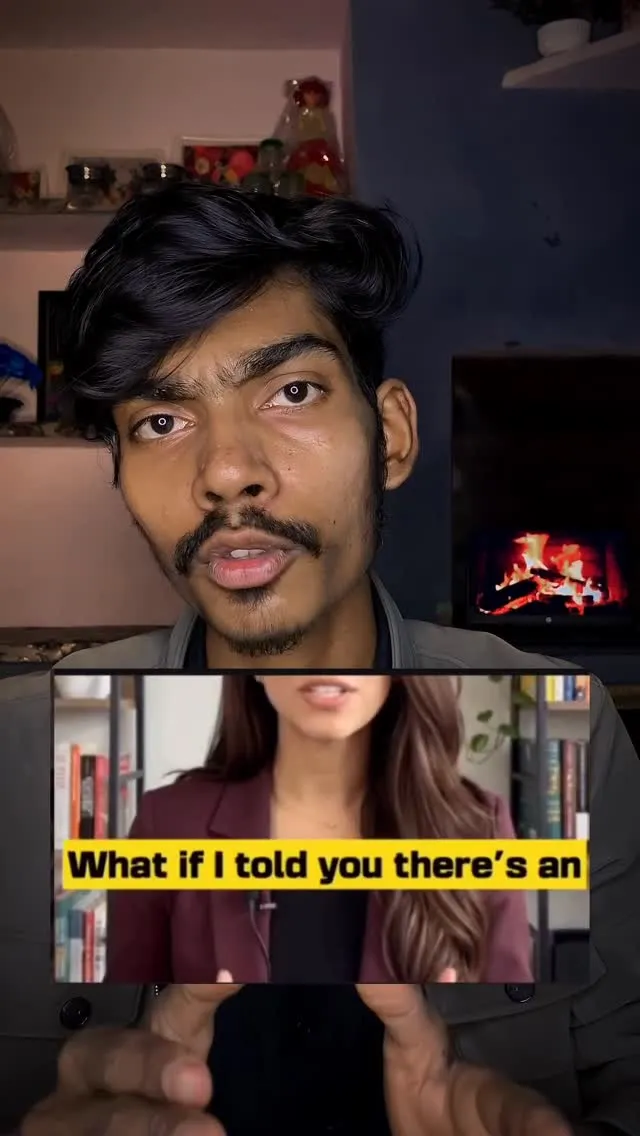
Viewers stay longer when subtitles feel natural and true to your tone.
✦ AI-powered video editing
ButterCut is an AI video editor built for Indian creators. Add accurate auto-subtitles in Hindi, Tamil, Telugu, Bengali, Marathi, Kannada and Malayalam, generate professional B-roll, and dub videos into multiple languages — all in seconds, on the web and mobile.
Try FreeHindi
Tamil
Malayalam
Bengali
Kannada
Marathi
Describe your edit, and watch it come to life.
Viewers stay longer when subtitles feel natural and true to your tone.
Automate edits that slow you down. Publish faster, stay consistent, and keep your creativity flowing.
Let our AI handle the edits - from syncing subtitles to finding the perfect B-roll - while you focus on your vision.
Automatically add B-roll to your videos in minutes. Let our AI do the work, so you can focus on creating.
10+
Languages Supported
100K+
Subtitles Processed
10K+
Successful exports
ButterCut made my content creation super-fast.
@techsameerrathore
On ButterCut you can just simply upload your video, choose the language in which you want subtitles to be added and ButterCut just does the rest, you can select the style for aesthetics before exporting and get done with the whole process in seconds. Or you can just spend hours on tools like capcut, VN or premiere pro and get the same results.
We generate subtitles using AI models which boast ~99.8% accuracy. But you can also edit the subtitle text manually on ButterCut in case you see any error.
A large % of viewers on platforms like Youtube shorts, instagram reels, TikTok and othe rsocial media platforms consume content on mute, adding subtitles grabs attention and help users follow along without audio. Even for users with audio on subtitles can make it easier for users to follow along and can open global reach if you subtitle in different language using ButterCut.
With ButterCut you can add subtitles in x+ languages including English, Hindi, Tamil, Telugu, Kannada,Malyalam, Bengali and Marathi. ButterCut allows capability to translate any of your videos in these languages and add captions to help you achieve wider reach.
On the styling screen you can simply tap on edit subtitles tab and edit any of the text in generated subtitle, once you are done with your changes click on confirm to save your changes. In case you are translating your subtitles in some other language, you can first check and edit the transcription of your video in order to increase accuracy of your translated subtitles.
Transcription is the exact word by word text of what you are speaking in the video in your original language. In case you want to translate your subtitle in some other language, we first show you transcription in original language to make sure once we translate you get accurate translated subtitles. In case you wish to obtain subtitles in your original language without translation, transcription text and subtitle text are essentially the same.
Start a free project now. Upgrade for unlimited projects,
premium templates and more